Flash Cards
a study habit you'll actually want to repeat every day
30+ screens for a spaced-repetition app — cards, decks, reminders, and a streak. Try the card on the right: it's real, not a screenshot.
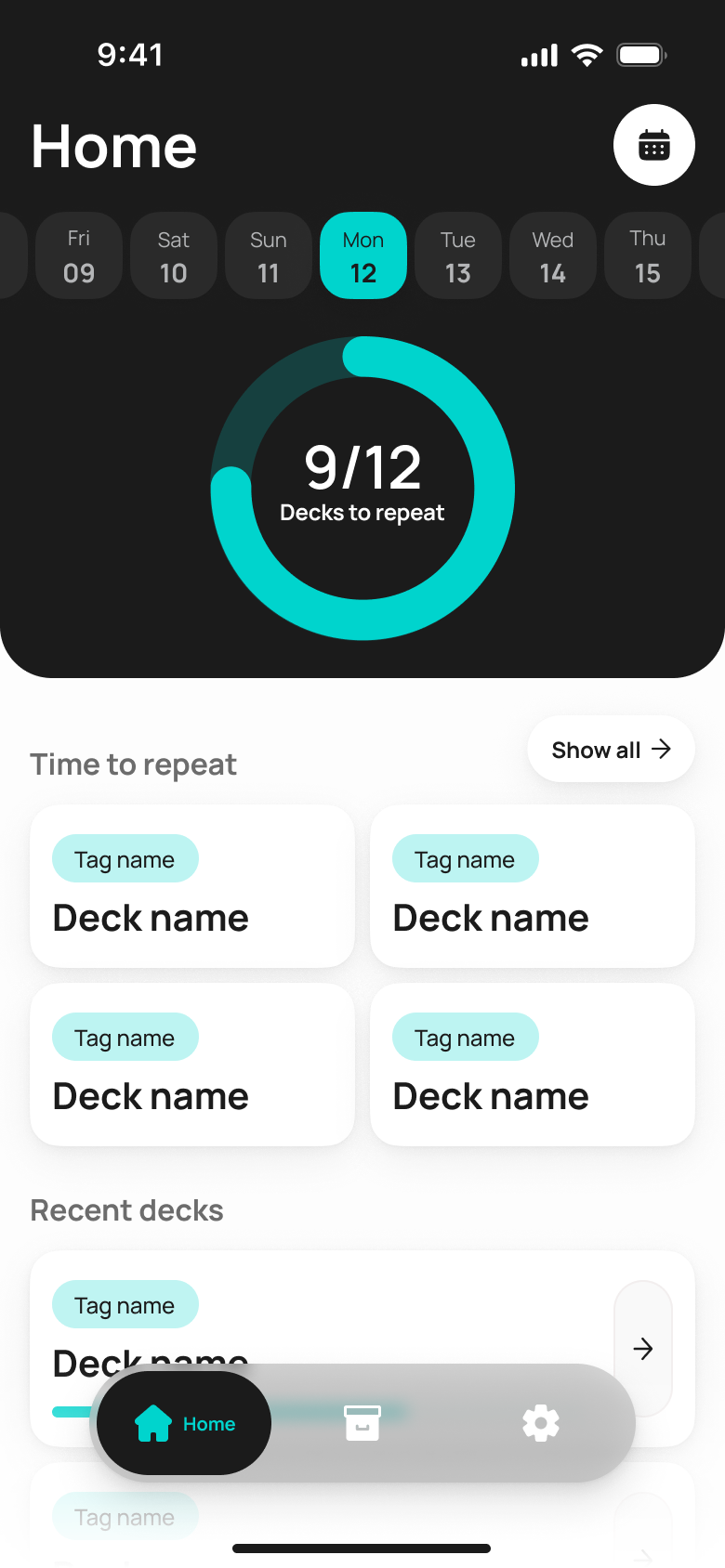
A streak, today's plan, and a progress ring — before you even open a deck
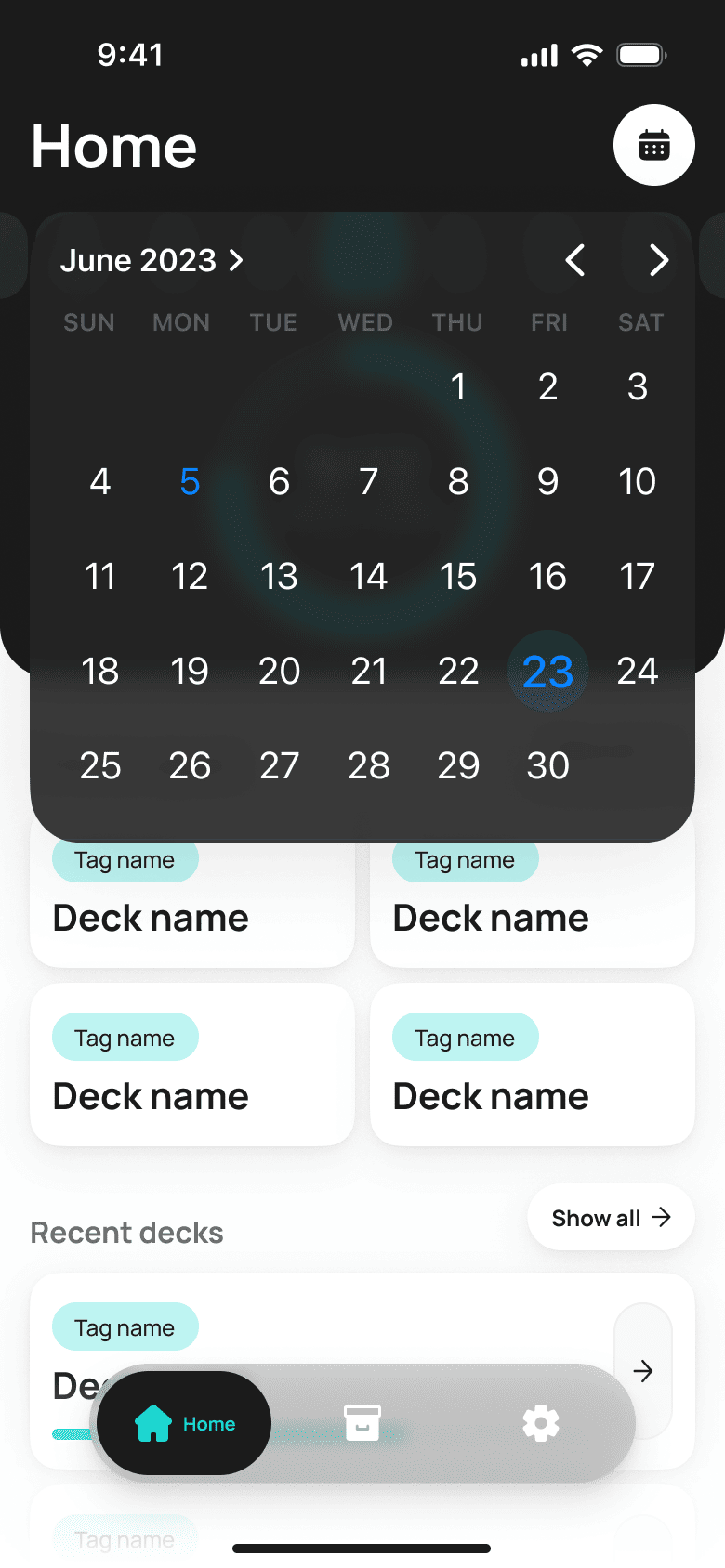
The dashboard answers the day's main question right away: how many cards are left to review, and what happens if a day gets skipped. The calendar up top shows the streak without an extra tap.
The real enemy isn't ignorance — it's forgetting
You can't outsmart the Ebbinghaus forgetting curve by cramming the night before. We designed the app around spaced repetition — an algorithm decides when and what to review, not willpower.
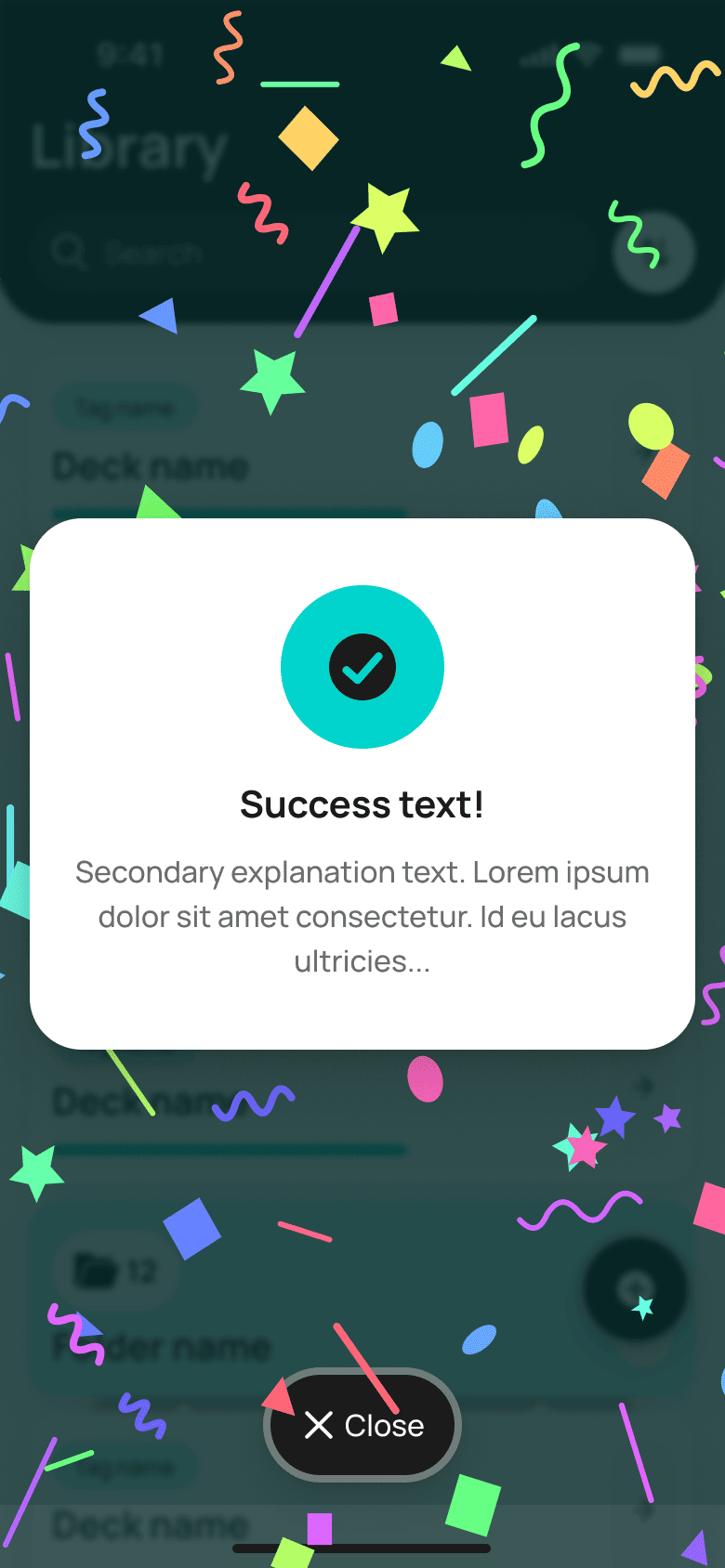
The second task was removing the feeling of a school obligation. A streak, a progress ring, and confetti for success bring learning into the same reward loop as games or social media.
Decks, folders, tags — and zero chaos
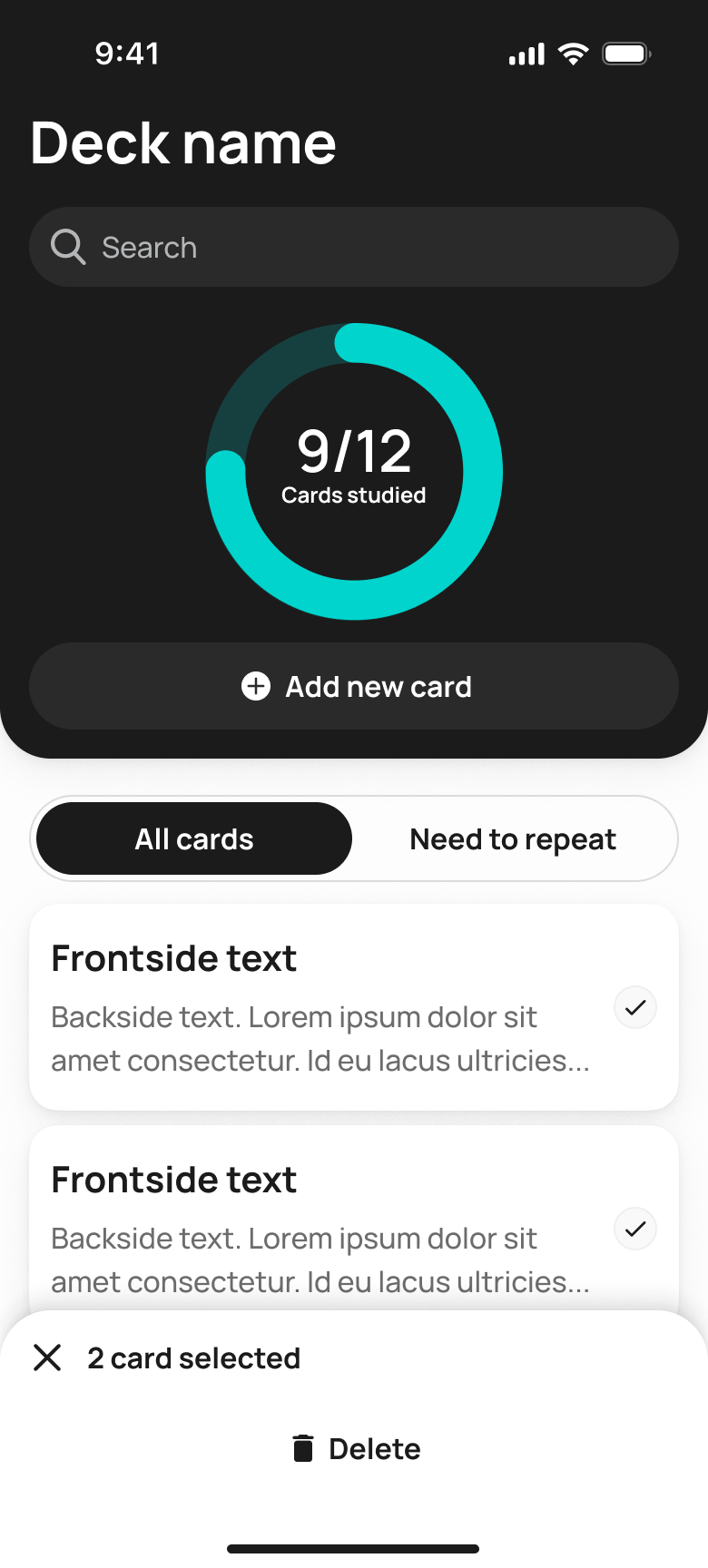
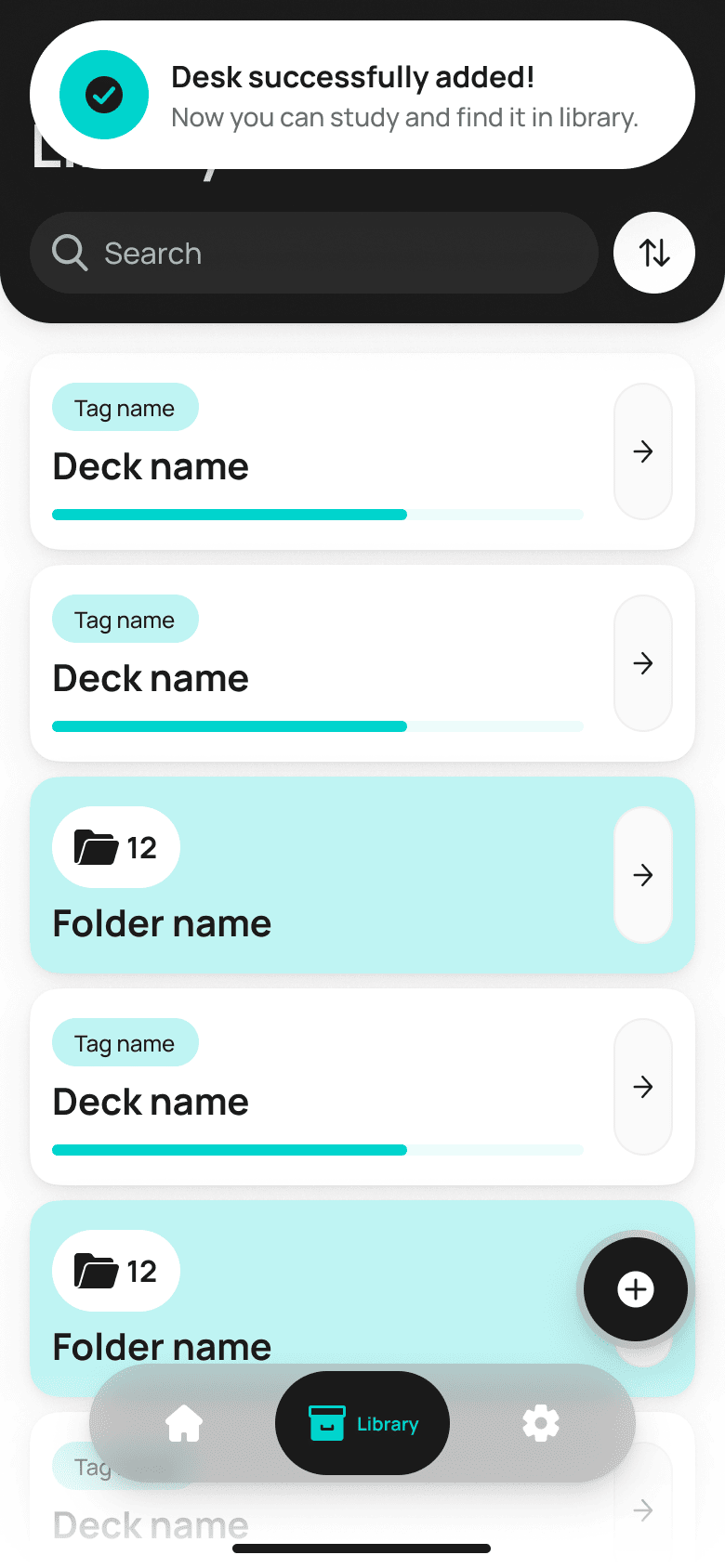
The library keeps hundreds of decks organized: tags for context, folders for large courses, search and sorting once the list outgrows a single screen.
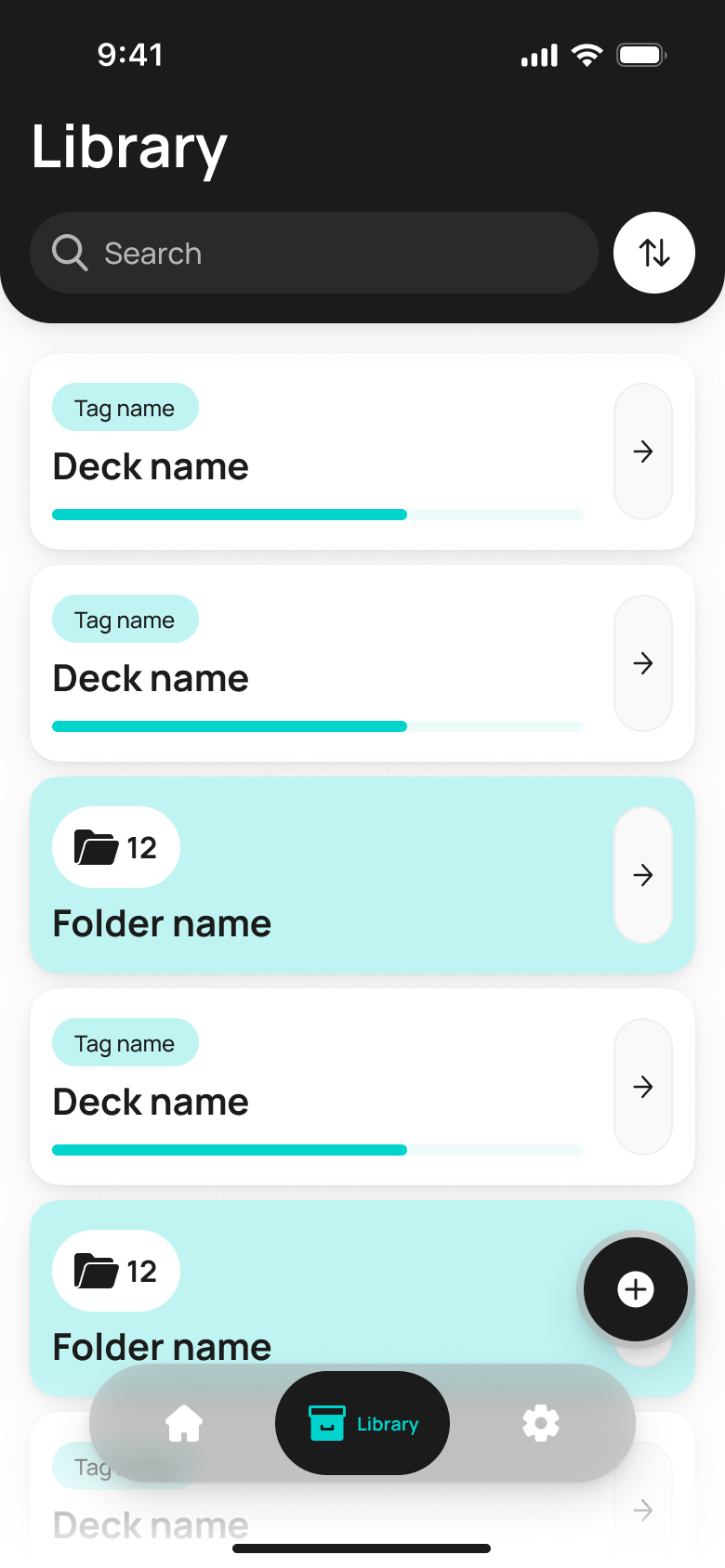
Decks and folders with tags and a live progress bar
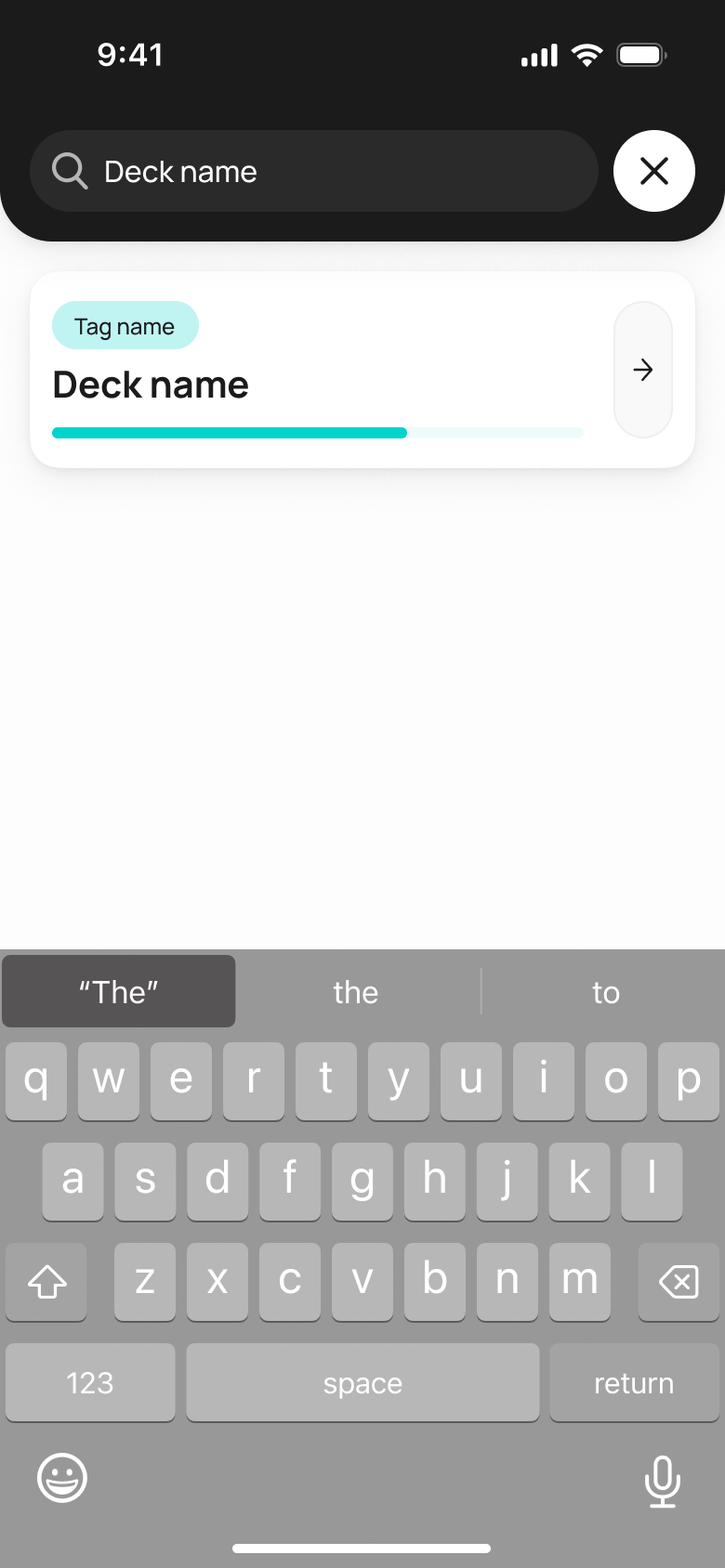
Real-time search by deck name
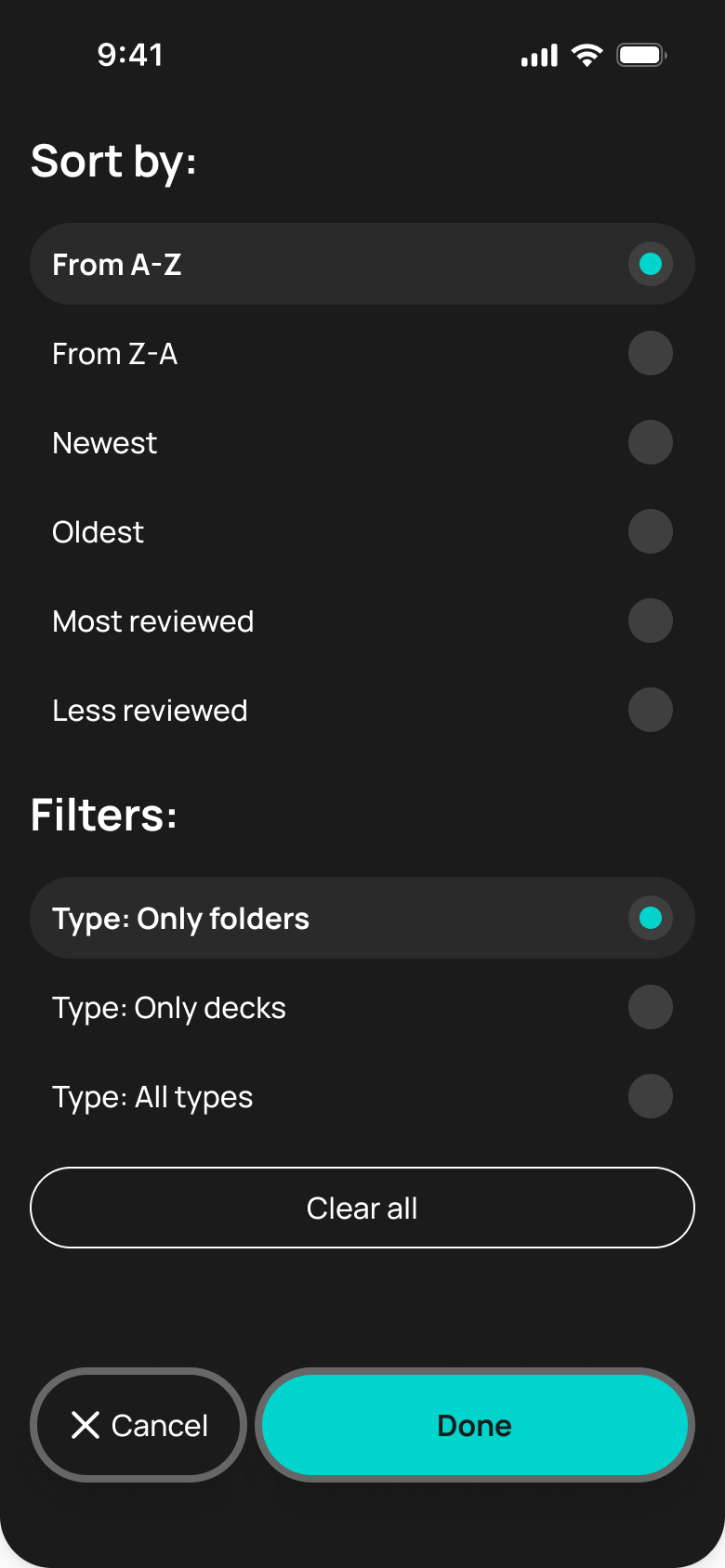
Sorting and filters by item type
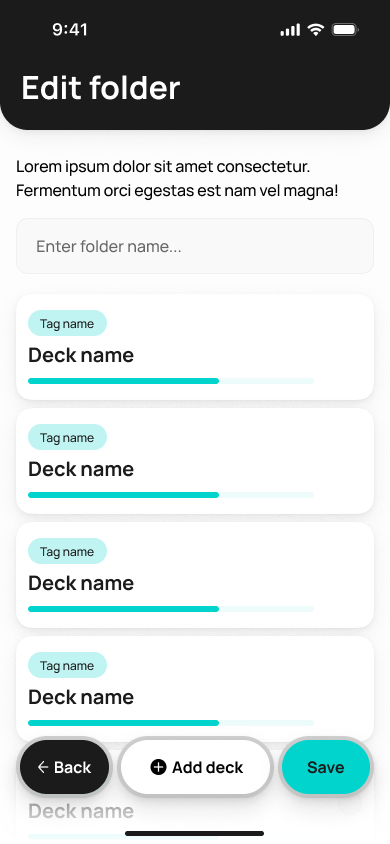
A folder groups several decks under one course
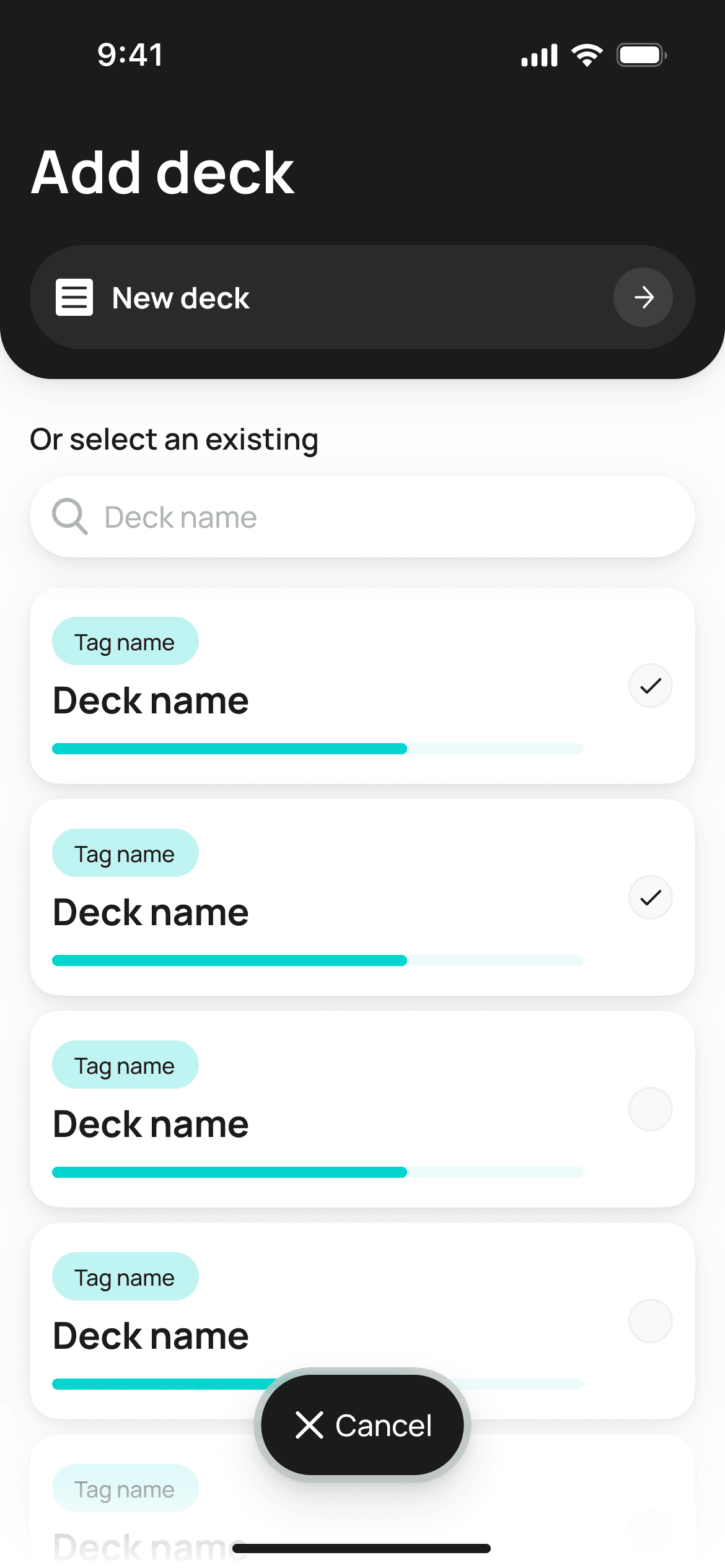
Adding existing decks to a folder in a couple of taps
Run a real review session right here
Swipe the card sideways just like in the app — the way you flip through a deck while studying.
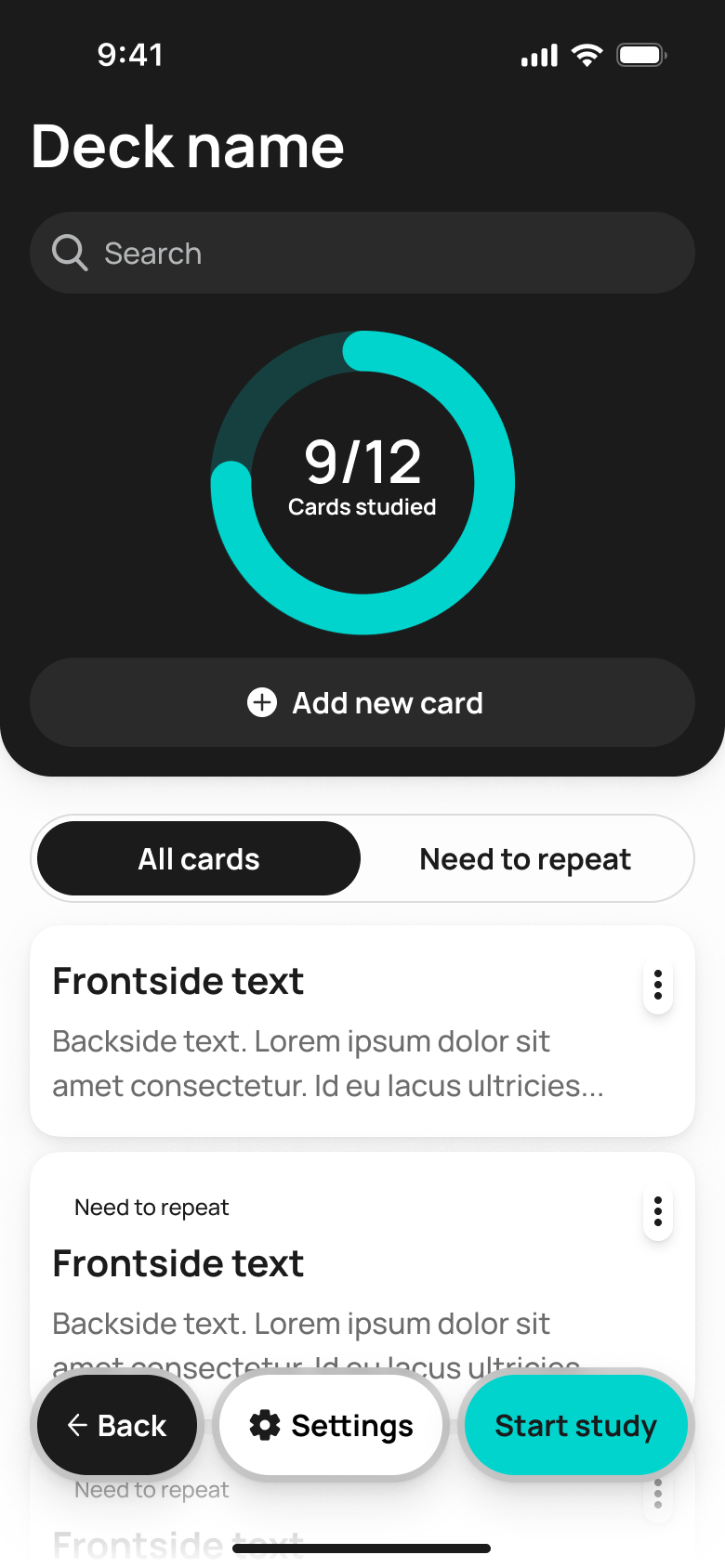
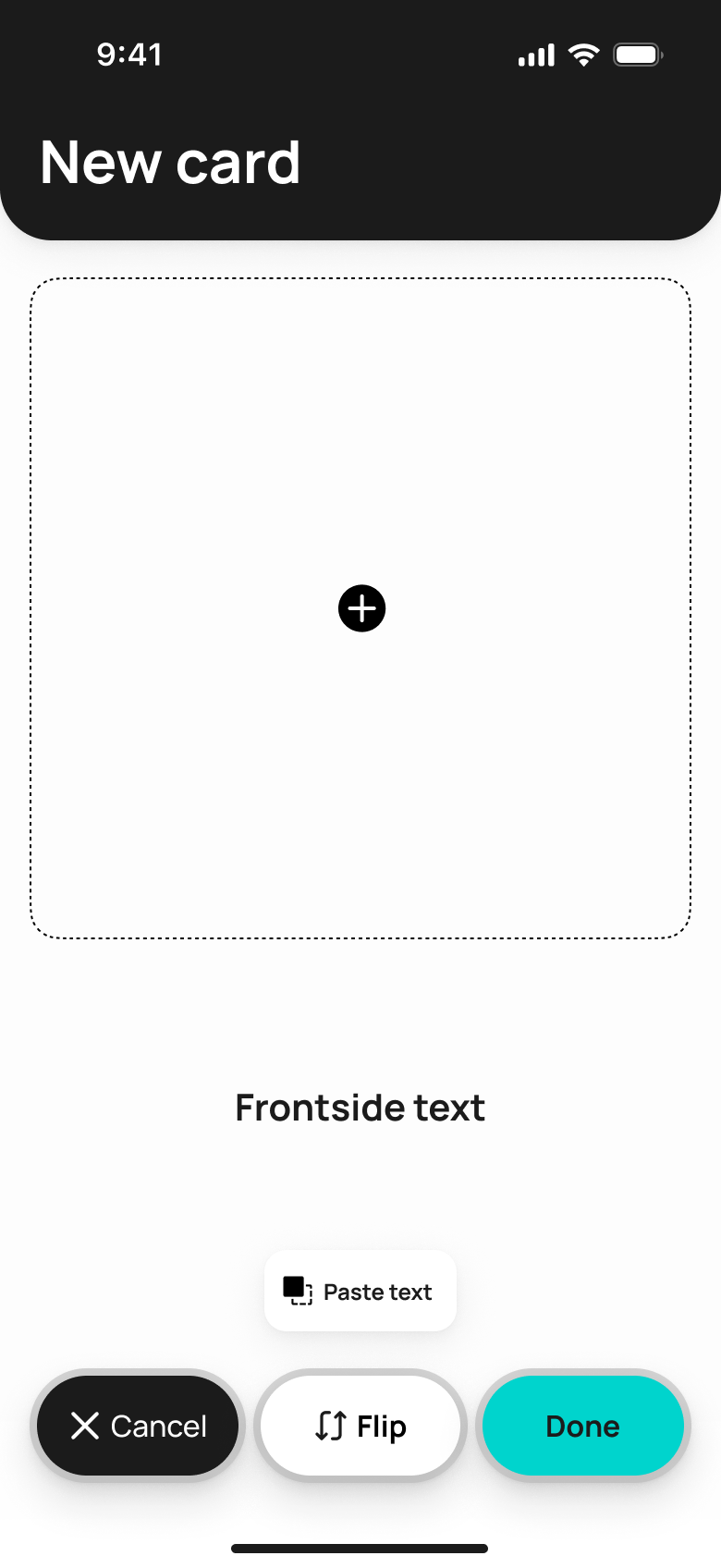
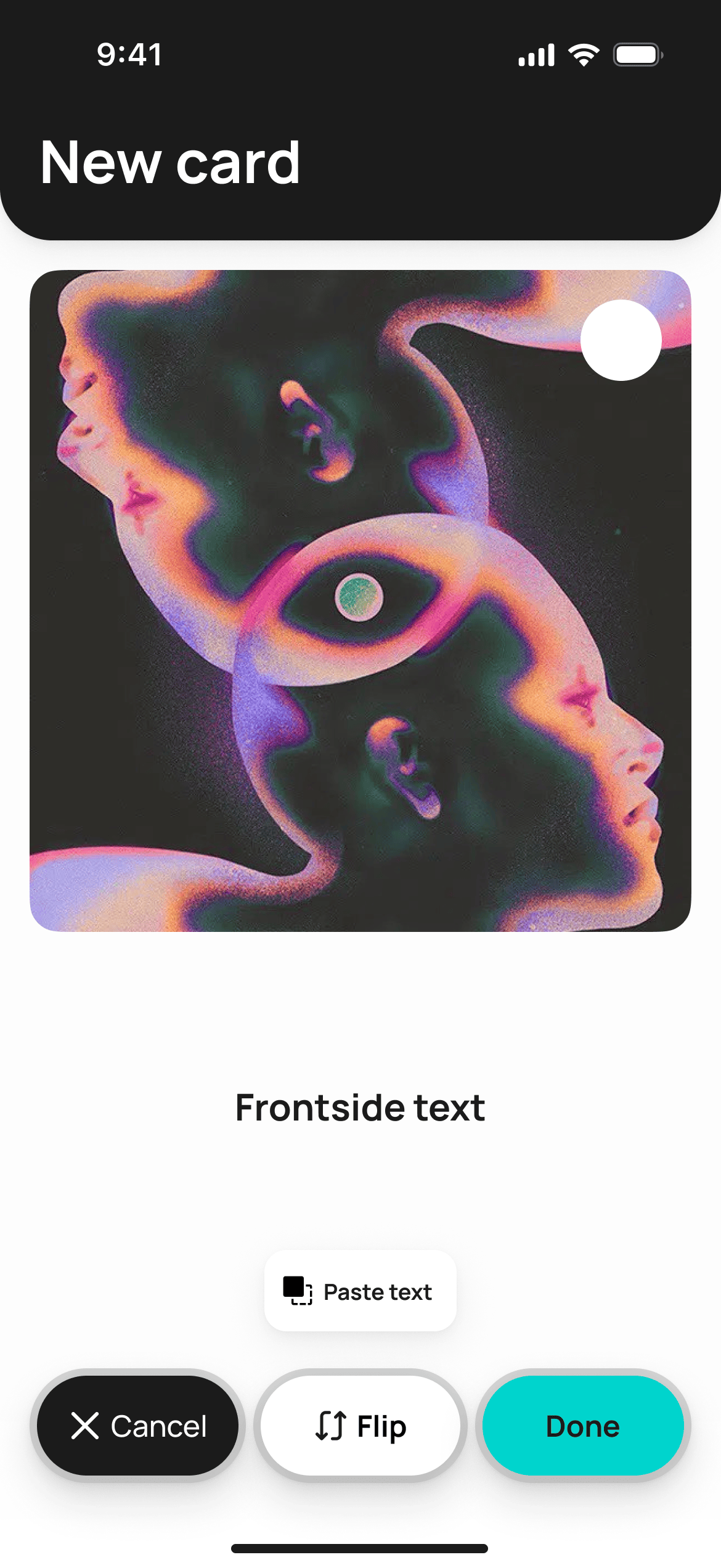
Build a deck faster than you can change your mind
Manually, by importing a CSV, or from a ready-made Anki deck — three paths to the same goal: a new deck in seconds.
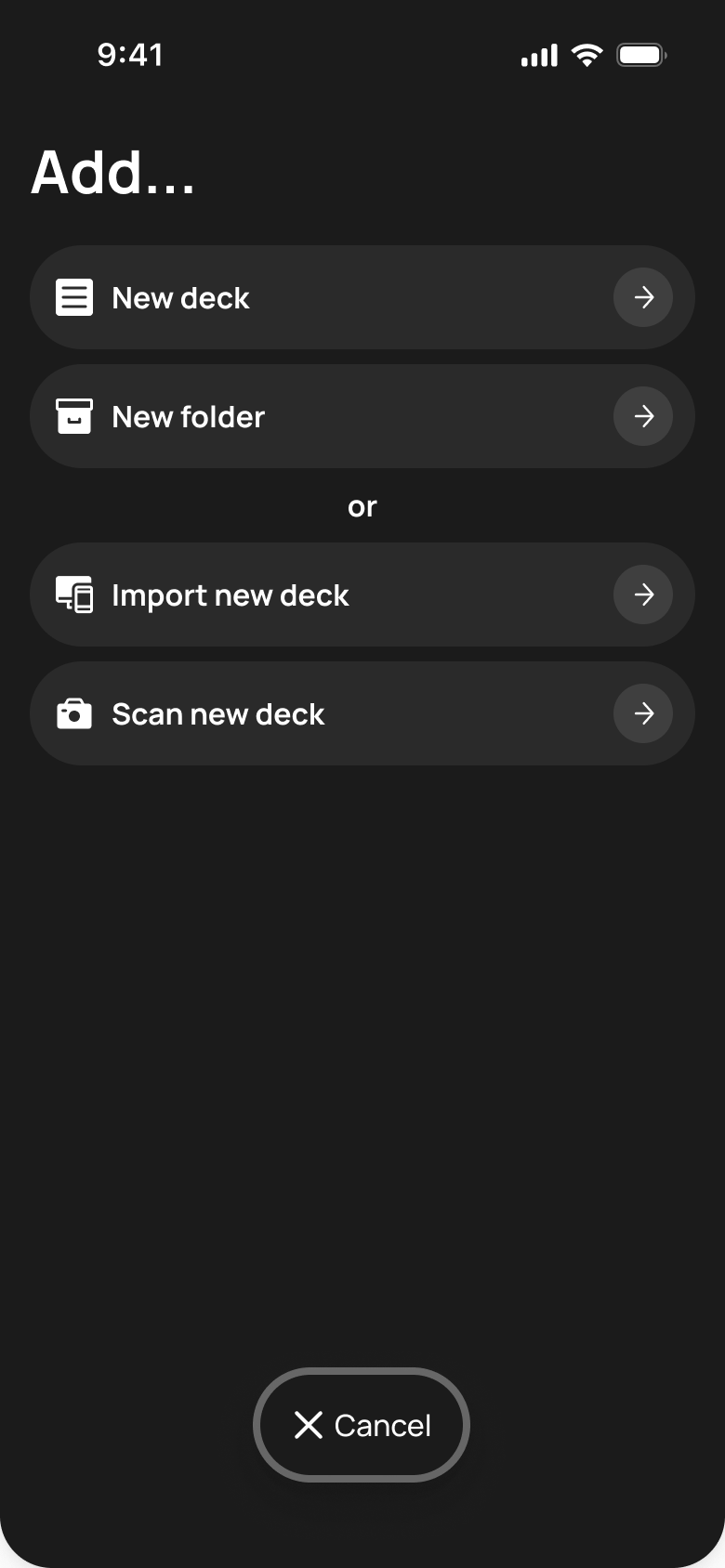
One screen, four ways to start
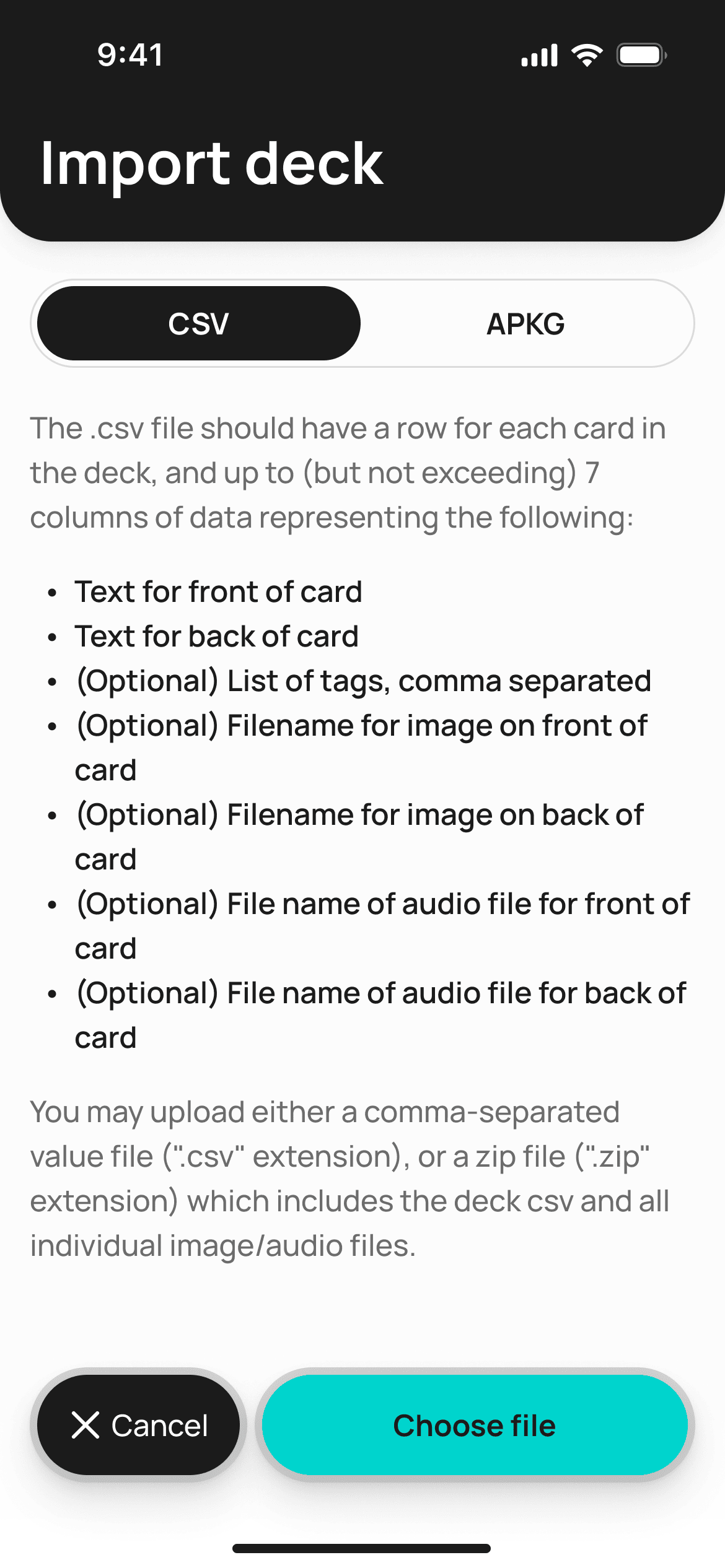
Import a CSV or a ready-made APKG deck from Anki
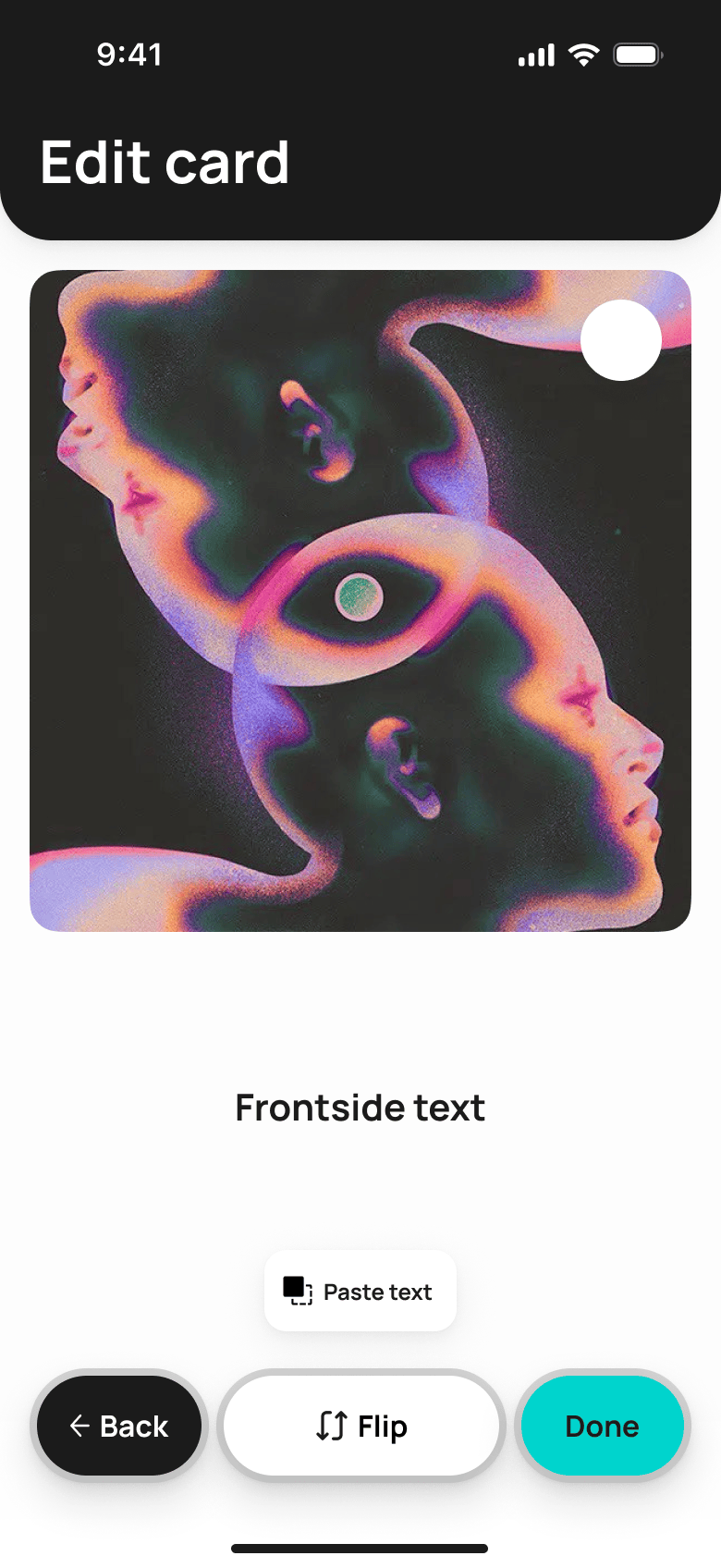
Edit a card: text and flip in one tap
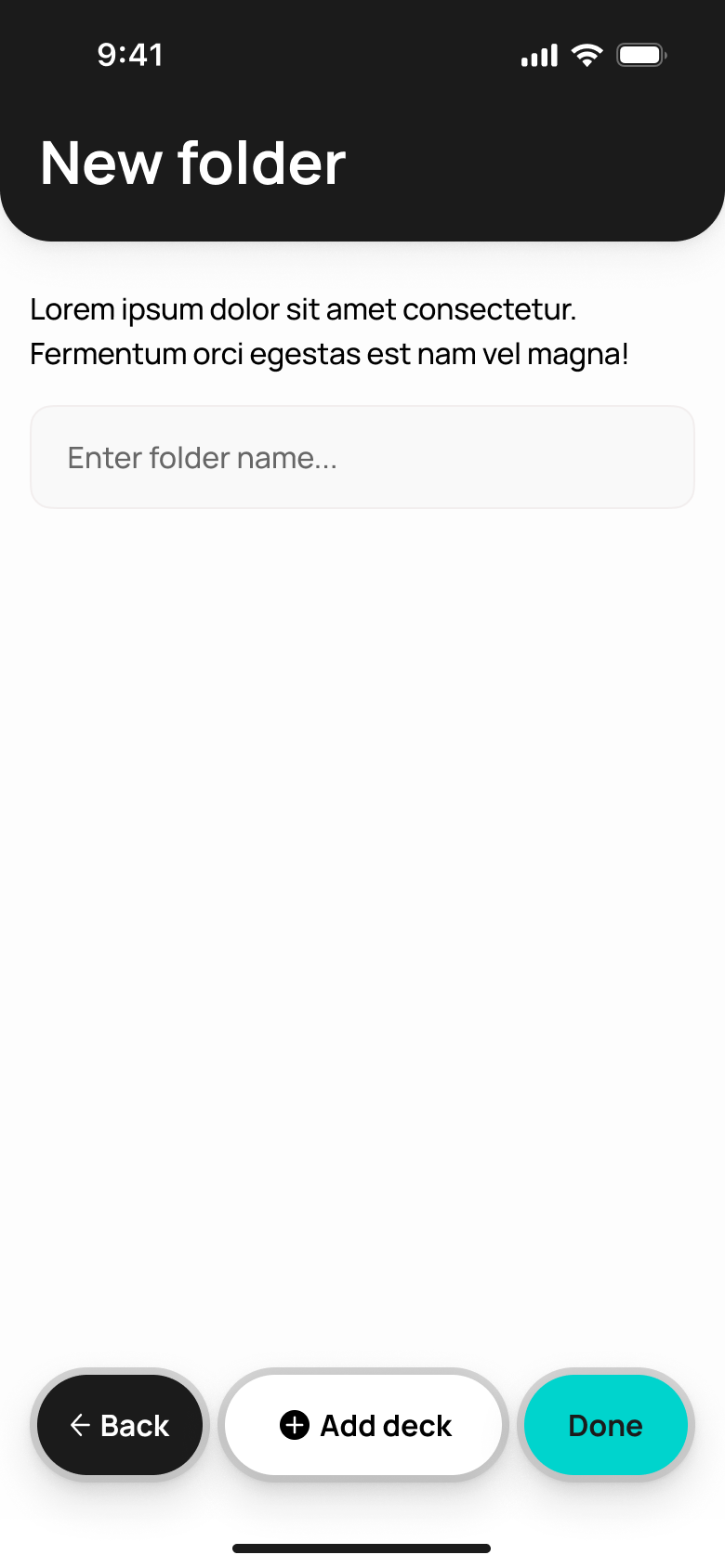
A new folder for a big course in a single step
Reminders that don't annoy
A flexible review schedule and a no-frills account — the basics are already set up, and you can fine-tune the details to fit you.
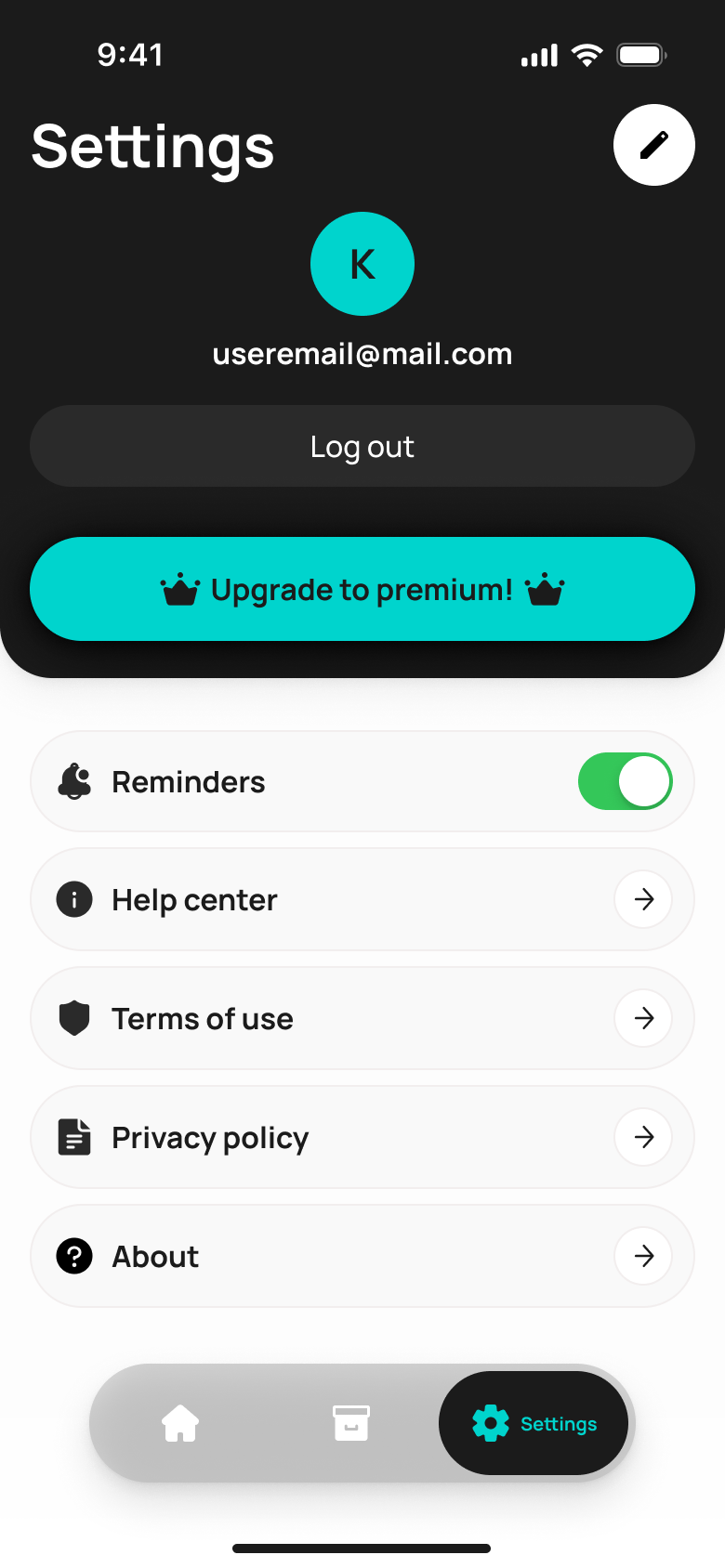
Profile, Premium, and notifications on one screen
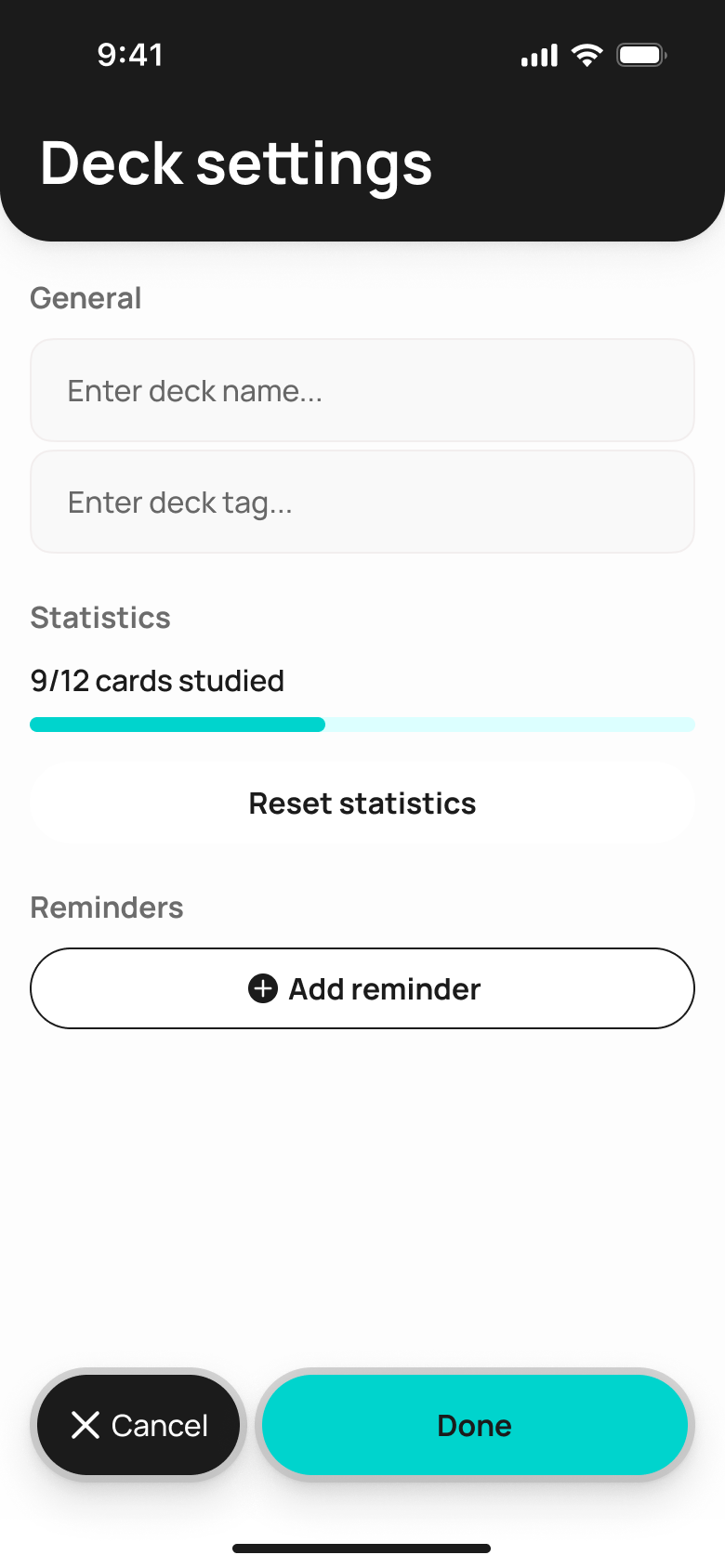
Name, tag, and stats for a specific deck
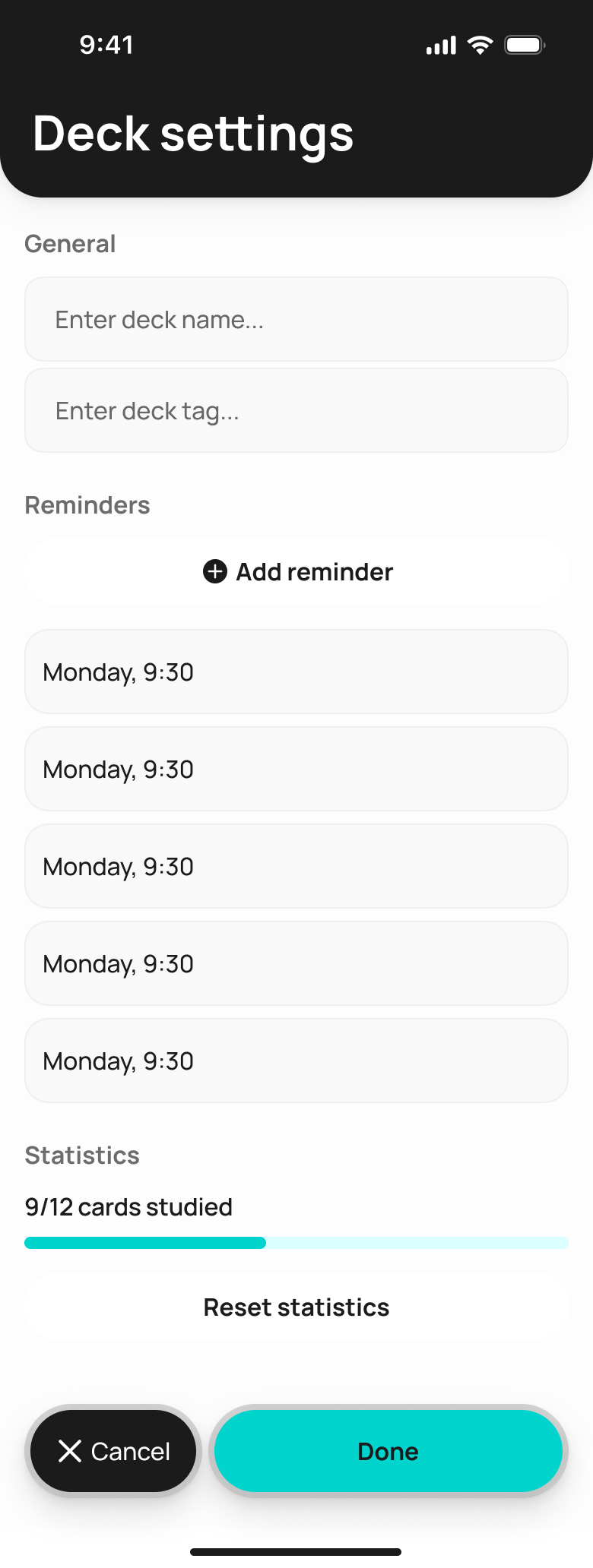
Several reminders for one deck at once
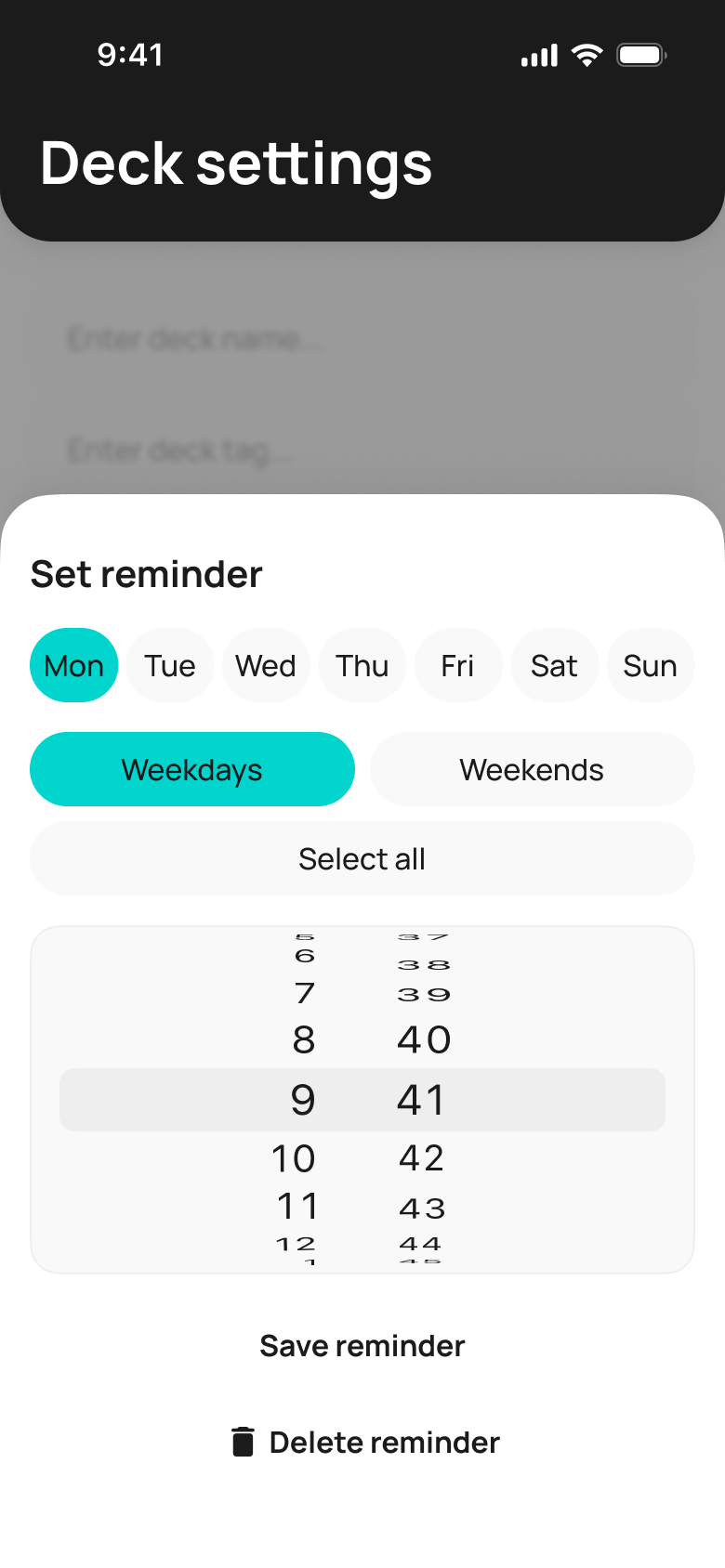
Days of the week and time — in seconds, no extra steps
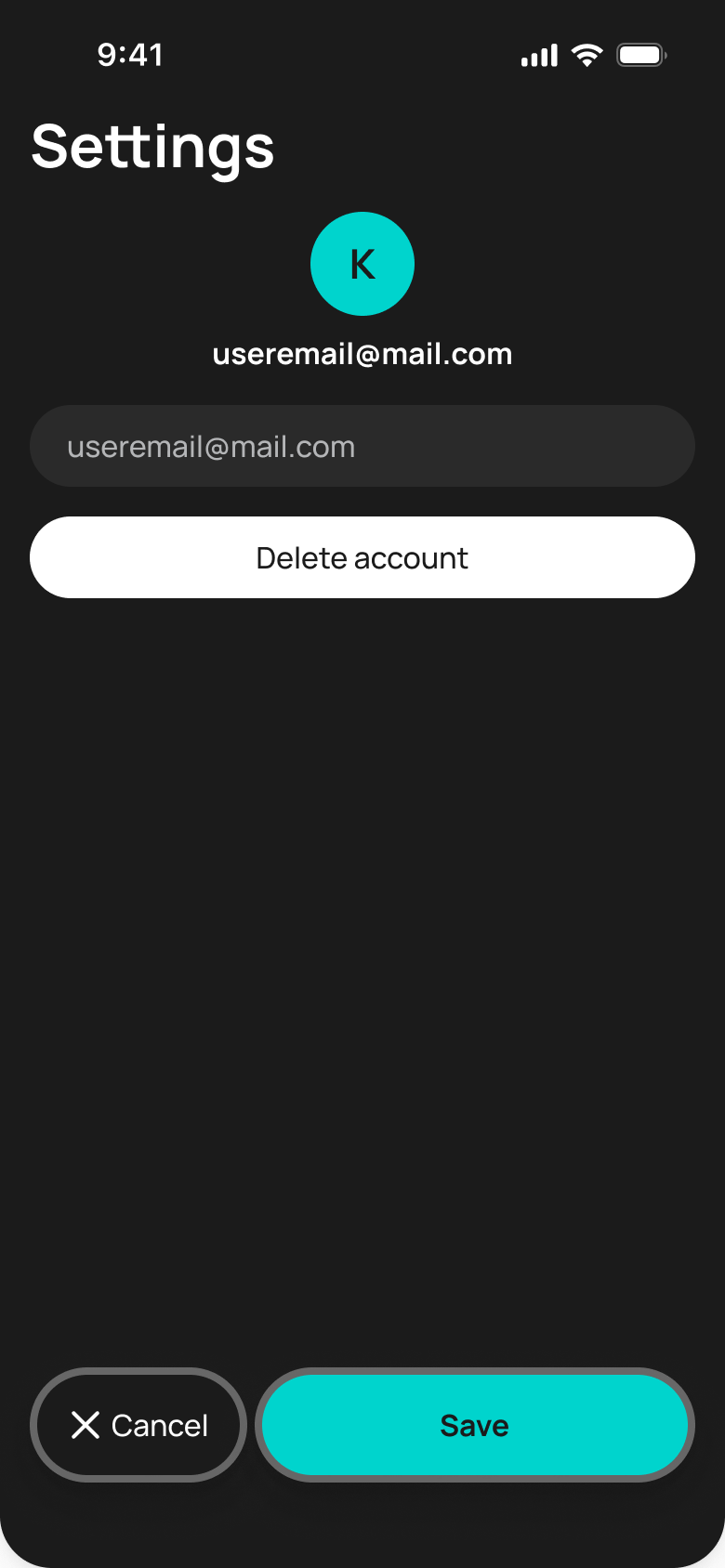
Edit email and delete account — no traps
Even a miss feels good
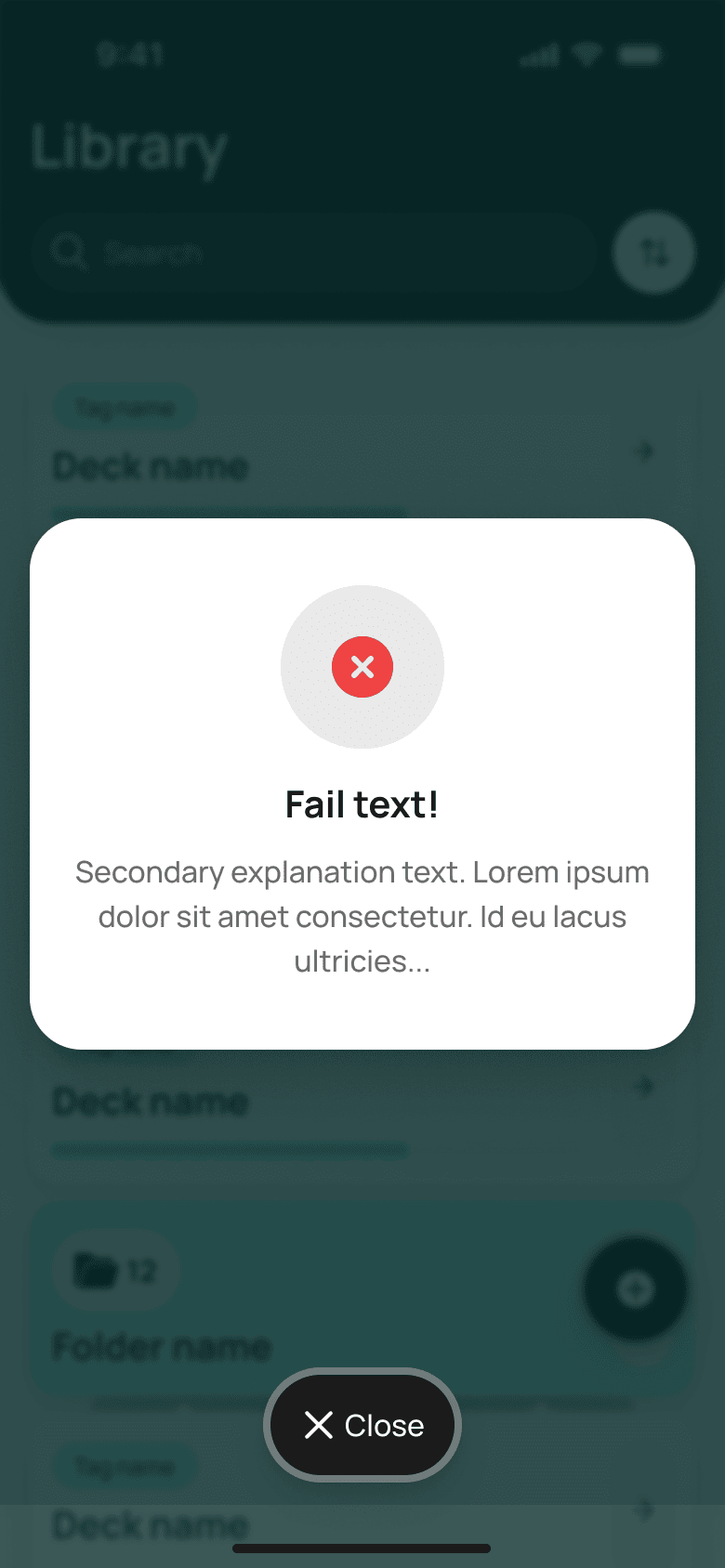
Confetti for success, a gentle no-shame mistake state, and an instant toast confirm every action — small emotional payoffs that keep the habit alive.
A learning habit built from one set of repeatable screens
Cards, decks, reminders, and the streak all run on one component system — so a new deck or a new card type shows up in the app without a separate redesign.
Want a product like this for your business?
we'll price it
Describe the project in the brief or message us on Telegram. Within a day we'll come back with an estimate, timeline and plan — free, no strings attached.
- 01Estimate in 24 hours
- 02Fixed price
- 03NDA on request